
.svg)


Key Takeaways: Automating Carry Without Losing Control
- Carry management involves two types of work: judgment calls (who gets what, under what terms) and execution work (applying those decisions consistently across funds, participants, and time). The first should stay human. The second should be automated.
- Most firms resist automation because they're afraid of losing control over the most sensitive data in the firm. The right approach preserves control by moving it from undocumented spreadsheet edits to governed, auditable workflows.
- The highest-ROI carry processes to automate aren't waterfall calculations (most fund admins handle those). They're GP-side operations: vesting administration, allocation change tracking, forfeiture processing, participant reporting, and document management.
- Rules-based automation with human approval checkpoints is the model that works. The system applies the rules. People approve the exceptions. Every action is logged.
There's a version of "carry automation" that makes every CFO nervous: a black box that ingests fund data, runs opaque calculations, and produces numbers nobody can explain or verify.
That's not automation. That's abdication.
Most carry management work isn't complex judgment. It's repetitive execution: applying defined rules to structured data, tracking changes that follow predictable patterns, producing outputs that should be identical every time. Humans do this reliably when volume is low. When volume is high, quality degrades with every additional manual touchpoint. A governed system can do the same work with perfect consistency, perfect documentation, and zero version control issues.
The real question isn't whether to automate. It's which parts to automate, which to keep human, and how to design the boundary so the firm gains efficiency without sacrificing oversight.
The Two Types of Carry Work
Every carry task falls into one of two categories. Failing to distinguish between them is what makes automation conversations unproductive.
Judgment Work
Decisions that require context, negotiation, and human evaluation. They can't be encoded into rules because they depend on qualitative, political, or situation-specific factors:
- Determining a new hire's carry allocation
- Deciding how to handle a departing partner's unvested points
- Designing the carry pool for a new fund
- Approving exceptions to standard vesting terms
- Setting reserve pool size and negotiating side letter provisions
These reflect strategy, culture, and partnership dynamics. No system should make them autonomously.
Execution Work
Operational tasks that translate judgment into action and maintain the results accurately over time. They follow defined rules, produce predictable outputs, and need to run consistently across funds, participants, and reporting cycles:
- Applying allocations to participant records across all affected funds
- Advancing vesting schedules based on time or triggering events
- Processing forfeitures and reallocating points per plan rules
- Generating participant statements with current allocations and values
- Producing management summaries and audit documentation
- Tracking award letter execution: generated, sent, signed, stored
Every manual touchpoint in execution work is an opportunity for inconsistency, delay, or error. Unlike judgment work, where human nuance adds value, execution work degrades in quality as volume increases.
Why Firms Resist Automation
The hesitation isn't irrational. Carry data is the most sensitive information in the firm. An allocation tracking error can mean distributing real dollars to the wrong people. An undetected automation failure could compound across multiple funds and reporting cycles.
CFOs and controllers have built their careers on being able to verify the numbers. Handing that to a system, especially one replacing a spreadsheet they built and understand intimately, feels like surrendering control.
The concern is valid, but it's based on a false comparison. A spreadsheet lets anyone edit any cell at any time with no approval requirement and no audit trail. A governed system:
- Requires authorization before any change takes effect
- Logs every modification with timestamps and rationale
- Enforces rules consistently with no accidental formula overrides
- Prevents unauthorized access through role-based controls
- Preserves complete historical records so any output traces back to its source
Control doesn't disappear with automation. It moves from informal, person-dependent oversight to structural, system-enforced governance.
What to Automate First
Not all carry automation delivers equal value. Start with the processes performed most frequently, most manually, and with the highest consequences for errors.
Vesting administration
Milestones occur on predictable schedules. In spreadsheets, someone has to remember to update each participant's status across every affected fund. Multiply that by forty participants across three vintages, and vesting alone consumes significant hours quarterly, with the risk of missed milestones producing incorrect statements. In an automated system, vesting advances on schedule, records update, statements reflect current status, and the audit trail captures the event without anyone needing to remember anything.
Allocation change tracking
Every change (grants, reallocations, forfeitures, transfers, step-ups) needs to be applied, documented, and reflected across all affected funds. In spreadsheets, that's manual edits to multiple files with documentation maintained separately, if at all. Automation routes every change through a defined workflow: initiation, approval, application, documentation. Downstream outputs update automatically.
Forfeiture and reallocation processing
When an employee departs, calculating vested vs. unvested carry, removing forfeited points, deciding where they go, applying the reallocation, and updating all downstream models is a multi-step manual process with high error potential. An automated system triggers the forfeiture from the departure event, calculates per plan rules, reallocates per defined mechanics, and updates every affected record simultaneously.
Participant reporting
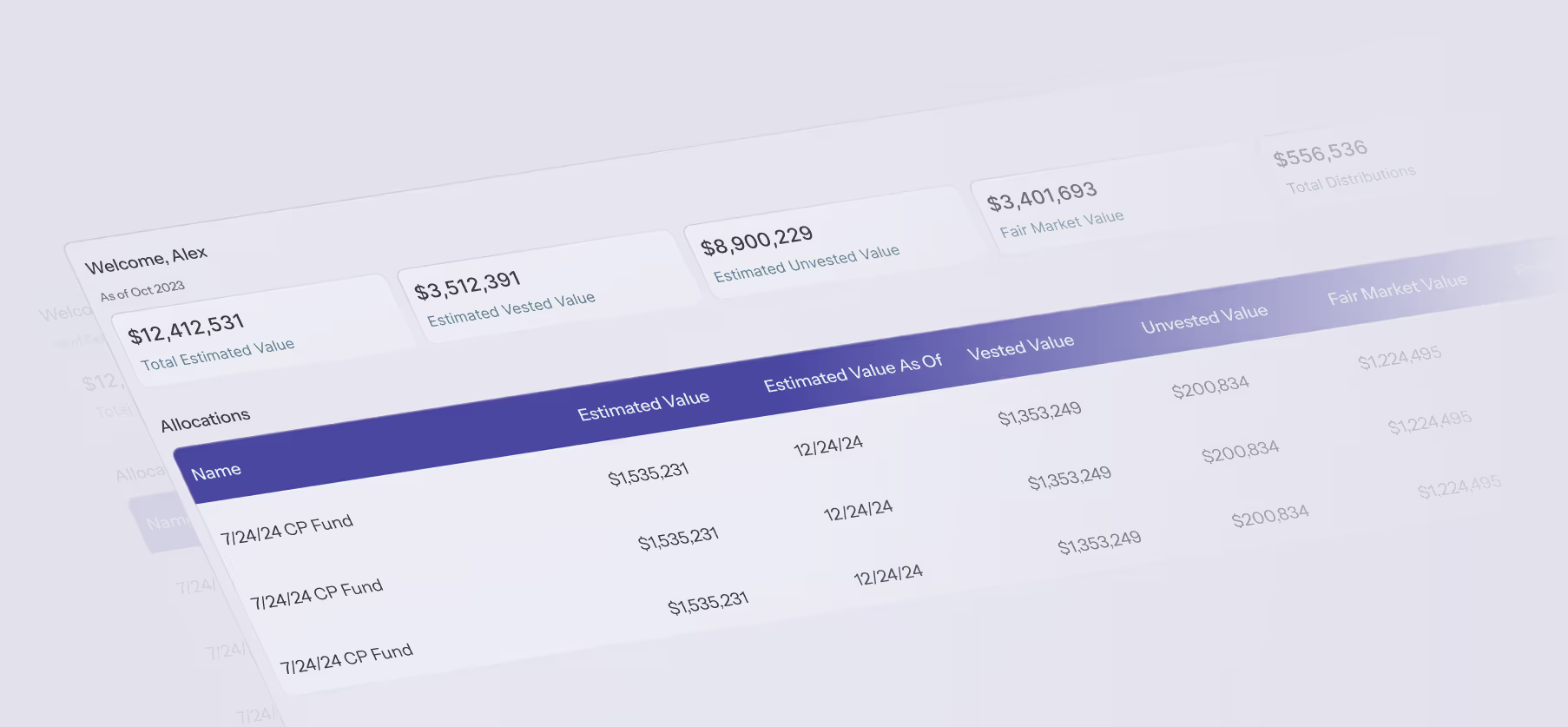
Generating individual statements is one of the most time-consuming manual processes and one of the most valuable to automate. When statements pull from the same governed data that tracks allocations, they're always consistent and always current. No manual assembly, no formatting exercise, no risk of showing different numbers than the model.
Document lifecycle management
Award letters, amendments, and signature pages need to be created, executed, and stored alongside allocation data. Automation generates documents from carry plan templates, routes for electronic signature, and stores executed documents linked to participant and fund records.
The Human Approval Layer
The best automation systems are explicit about where human judgment is required. They don't eliminate approvals. They make approvals faster, better-informed, and documented.
Every allocation change, whether triggered automatically (vesting milestone) or initiated manually (new grant), passes through a human approval checkpoint before taking effect. The system presents the proposed change, shows the before-and-after impact, and waits for authorization. The approver reviews, decides, and the decision is logged.
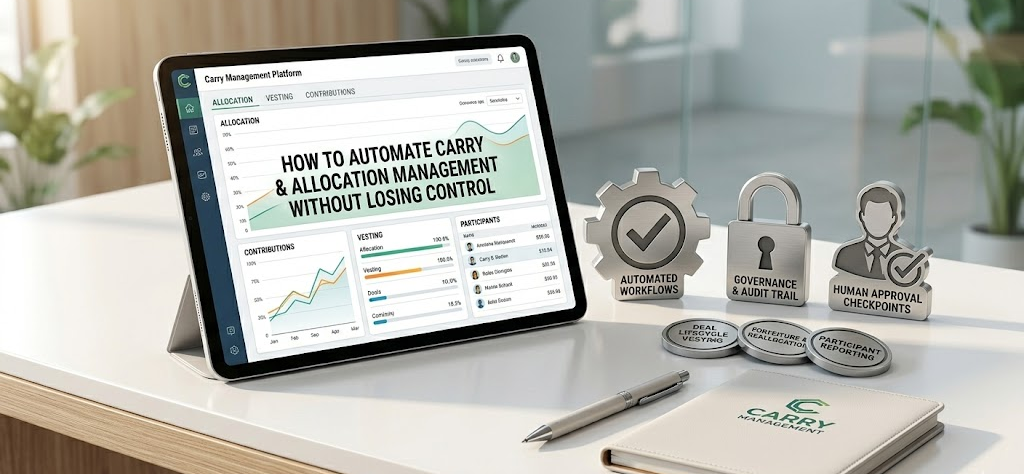
Rules-based execution with human approval gates. The system handles repetitive work accurately. Humans make decisions and verify exceptions. Every action, automated or manual, is documented.
The Waterfall Distinction
"Automating carry" and "automating the waterfall" are often conflated, but they're different problems solved by different tools.
Waterfall automation computes fund-level distribution splits based on LPA terms (hurdles, catch-ups, clawback provisions, LP/GP splits). Most firms delegate this to their fund administrator or a specialized engine. It determines the total carry pool for a given distribution event.
Carry management automation tracks how that pool is allocated among individual GP participants, manages vesting and forfeitures, produces statements, and maintains audit trails. It translates a fund-level number into forty individual records, each with their own percentages, vesting status, and change history.
Most firms need both layers automated, but not in the same tool. The waterfall calculation lives with the fund admin or a dedicated engine. The carry management layer needs its own purpose-built system.
What This Looks Like in Practice
Three scenarios that illustrate the difference between spreadsheet carry management and automated carry management:
New hire granted 3% carry in Fund III.
The managing partner approves the grant. The system creates the allocation record, generates the award letter, routes it for signature, and stores the executed document. The allocation reflects in the carry pool, the reserve adjusts, and the change appears in the next management summary and participant statement. Manual effort: one approval decision.
Quarterly vesting milestone
The system advances vesting for all eligible participants based on their schedules. Updated percentages flow to statements and value calculations. The controller receives an approval notification for review. The audit trail logs each event. Manual effort: one review and confirmation.
VP resigns
HR confirms the departure date. The system calculates vested vs. unvested carry, returns forfeited points to the reserve (or redistributes per plan rules), updates the participant's record across all funds, generates a termination memo, and adjusts remaining participants' records and statements. Manual effort: one departure confirmation, one governance review.
Each of these events would take hours in a spreadsheet environment. With automation, execution is handled, documentation is automatic, and human involvement concentrates where it belongs: on the decision.
Making the Transition
Moving from manual to automated doesn't require a big-bang transformation.
- Start with the biggest pain point. Usually vesting administration or participant reporting. Automating one high-visibility process builds confidence without disrupting everything else.
- Keep humans in the loop explicitly. Define which events require approval and which proceed automatically. Make requirements visible in the system, not just understood informally.
- Run in parallel first. For the first cycle, compare automated outputs against your existing spreadsheets. Resolve discrepancies. Build trust before retiring the old process.
- Expand incrementally. Once the first process runs reliably, add the next: allocation changes, forfeitures, document management. Each addition reduces manual workload and extends the governed environment.
Control Is the Point
The instinct to resist carry automation comes from a good place. These are the most consequential numbers in the firm, and the people responsible for them take that seriously.
But the spreadsheet environment that feels like control is actually fragile, undocumented, dependent on individuals, and governed by convention rather than structure. Every quarter-end is a reconciliation exercise. Every audit is a reconstruction effort. Every distribution cycle carries the quiet risk that something changed somewhere and nobody caught it.
Automation gives the CFO a system that enforces the controls they've always wanted: consistently, at scale, with a complete record of every action. The judgment stays human. The execution becomes reliable. And the carry data that drives the firm's most important financial decisions is finally governed the way it deserves to be.
If your carry process still runs on spreadsheets and institutional memory, Navable can help.
The platform automates carry allocation tracking, vesting, forfeitures, participant reporting, and document management with human approval workflows and complete audit trails at every step. Book a demo →
FAQs: Automating Carry Management
Does automating carry mean removing human oversight?
No. The best systems use rules-based execution with human approval checkpoints. The system applies defined rules consistently. Humans approve decisions, review exceptions, and maintain strategic control.
What's the difference between automating waterfall calculations and automating carry management?
Waterfall automation computes fund-level distribution splits based on LPA terms. Carry management automation tracks how that pool is allocated among individual participants, manages vesting and forfeitures, produces statements, and maintains audit trails. Different problems, different tools.
What carry processes should be automated first?
Vesting administration and participant reporting deliver the highest immediate ROI. They're performed most frequently, consume the most manual time, and directly affect participant experience. Allocation change tracking and forfeiture processing are strong second priorities.
How do you maintain control over automated carry processes?
Role-based access controls, defined approval workflows for every change type, and complete audit trails that log who did what, when, and why. The system enforces governance structurally, which is more reliable than manual oversight in spreadsheets.
Is carry automation only relevant for large firms?
Any firm managing carry across more than one fund with more than a handful of participants benefits. The trigger is the volume and frequency of carry events (vesting, changes, reporting) that make manual processes unsustainable, not the firm's size.